

Game for Android and iOS
Teddy’s Bubble Rescue
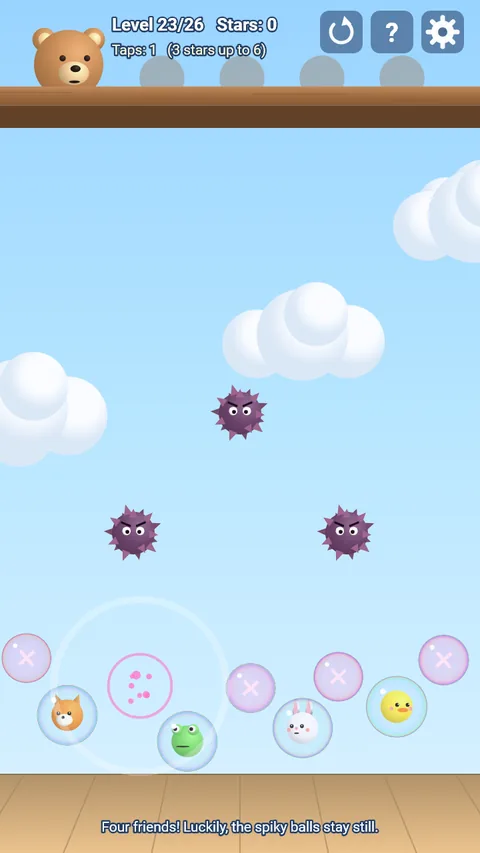
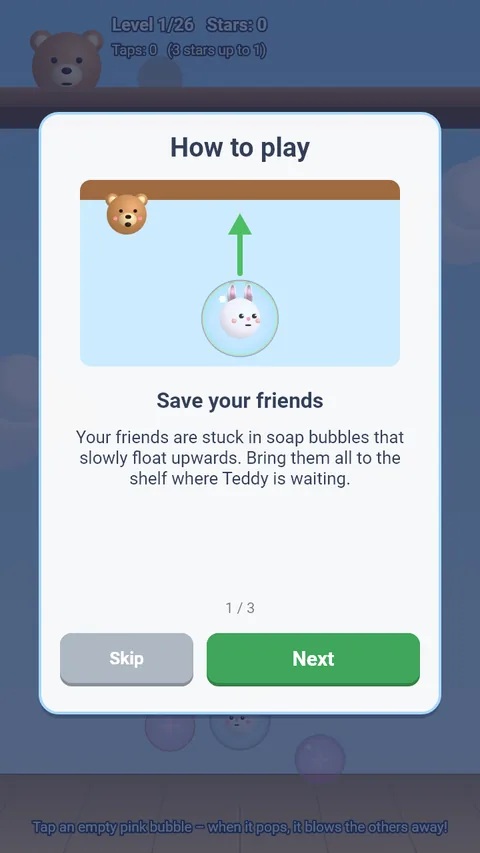
Teddy’s friends – bunny, duck, fox and frog – are stuck in soap bubbles floating upwards. Pop bubbles and guide them safely past the spiky balls up to Teddy’s shelf.
In development – coming to the App Store and Google Play
How it works
- Tap an empty pink bubble: it pops and blows nearby bubbles away.
- Tap a friend’s bubble: it gets a gentle nudge away from your finger and does not pop.
- Watch out for spiky balls – some stay put, others drift back and forth. If a friend’s bubble touches one, the level simply starts again, with no lives and no waiting.
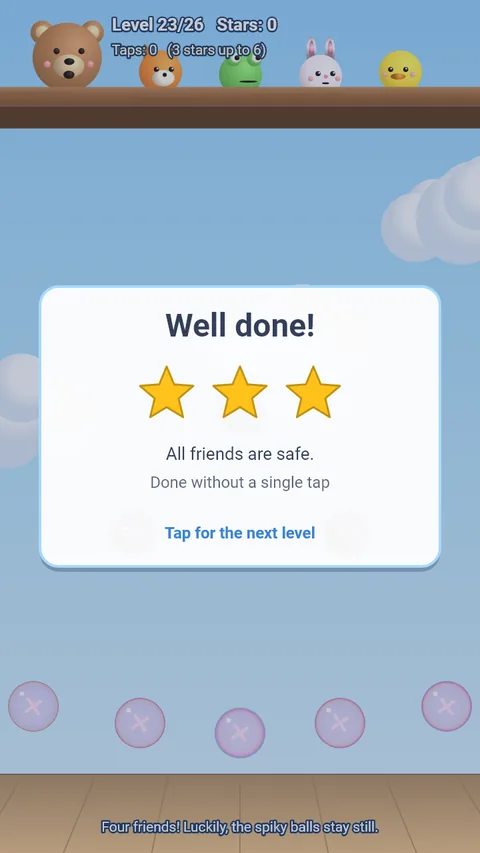
- 26 levels. The fewer taps you need, the more stars you get.
- Puff strength and camera sway can be adjusted in the settings.
- No account, no sign-in, playable offline.
- In English and German.
Support
Questions, problems or ideas? Email us at support@comitis.de. If possible, please include your device, operating system version and app version (shown at the bottom of the app’s settings).
FAQ
- When will I see ads?
- Rarely: after every fifth level in which you failed at least once, there is a short ad break at the end of the level. There are no ads during play.
- I’m stuck on a level.
- In the pause menu (gear), and after three failed attempts in a row, you can skip the level by watching a short video. It is marked orange in the level select until you complete it yourself. Levels you have already completed can be skipped without a video.
- The bubbles fly too far or not far enough.
- Under gear → Settings → “Puff strength” you can set the strength between 70% and 130%.
- The slight swaying of the picture bothers me.
- Turn off “Camera sway” under gear → Settings.
- Can I play without ads?
- Yes. The one-time purchase “Go ad-free – support the developer” (gear → Settings) removes the ad breaks and supports further development. Voluntary videos remain available.
- I switched devices – where are my purchases?
- In the game, open the gear → Settings → “Restore purchases”. You need to be signed in with the same Apple or Google account you used to buy “Go ad-free”.
- Is my progress transferred?
- No. Your progress is stored only on your device. It is deleted when you uninstall the app.
- How do I change my consent to ads?
- Gear → Settings → “Privacy settings”. You can change or withdraw your choice there at any time.
- How do I change the language?
- The app uses your device’s language. Under gear → Settings → “Language” you can also set German or English permanently.
- How do I delete my data?
- Gear → Settings → “Reset progress” (tap twice) deletes your progress and statistics. Uninstalling the app removes all locally stored data. We do not store any data about you ourselves.
Privacy
Teddy’s Bubble Rescue works without an account and without a server of our own. For details, in particular on in-app purchases and ads, see the privacy policy.