
Game for Android and iOS
Mops
Toss treats and lure a hungry pug past cats, cars and a grumpy gander all the way home to its doghouse.
In development – coming to the App Store and Google Play
How it works
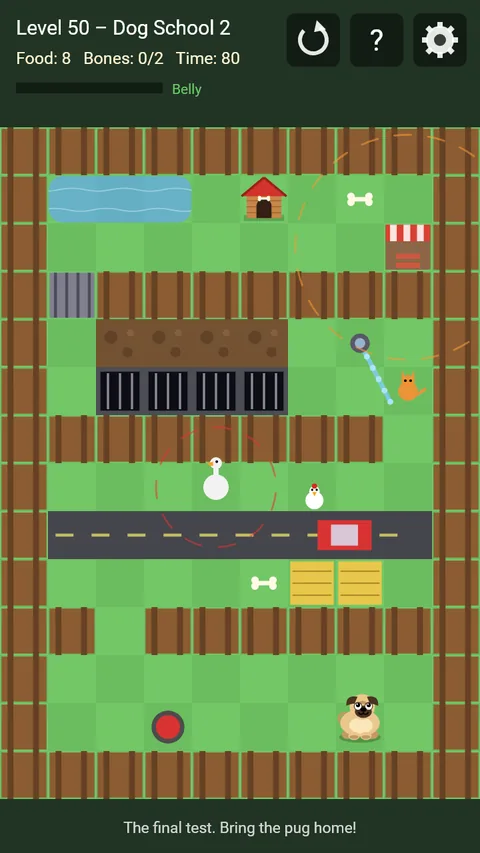
- Tap the field: that is where the food lands. The pug walks over, eats it and can be lured home step by step.
- Food makes the pug fat, walking slims it down again. If it gets too fat, it no longer fits through narrow gaps.
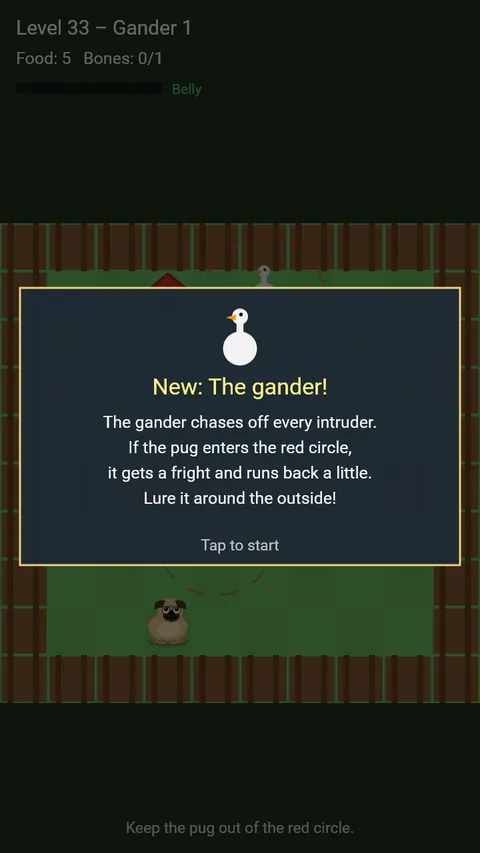
- 50 levels in 13 worlds: puddles, cats, a sausage stand, drains, cars, mud, chickens, the gander, a switch and gate, sprinklers and a time limit – and finally dog school.
- The less food you use, the more stars you get.
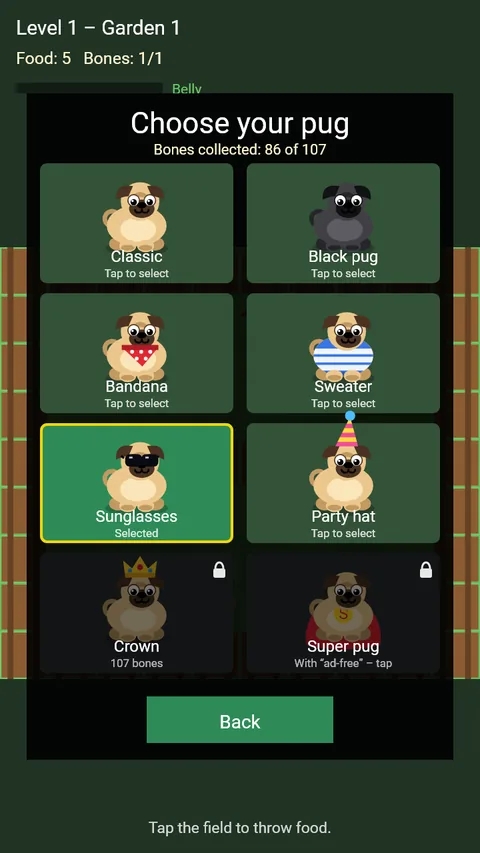
- Every level hides bones. They unlock new looks for the pug.
- No account, no sign-in, playable offline.
- In English and German.
Support
Questions, problems or ideas? Email us at support@comitis.de. If possible, please include your device, operating system version and app version (shown at the bottom of the app’s settings).
FAQ
- When will I see ads?
- Rarely: after every fifth level in which you failed at least once, there is a short ad break at the end of the level. There are no ads during play.
- How do I get other looks?
- In the pause menu under “Pug looks”. Each bone counts once you complete the level. Black pug, bandana, sweater, sunglasses and party hat unlock with a growing share of all bones, the crown with all of them. The super pug comes as a thank-you with “Go ad-free”.
- I ran out of food.
- Once per attempt you can get 2 extra treats by watching a short video – or simply restart the level.
- I’m stuck on a level.
- In the pause menu (gear) you can skip the level by watching a short video. It is marked orange in the level select until you complete it yourself. The hint below the field and the “?” at the top help too.
- Can I play without ads?
- Yes. The one-time purchase “Go ad-free – support the developer” (gear → Settings) removes the ad breaks and supports further development. You also get the super pug. Voluntary videos remain available.
- I switched devices – where are my purchases?
- In the game, open the gear → Settings → “Restore purchases”. You need to be signed in with the same Apple or Google account you used to buy “Go ad-free”.
- Is my progress transferred?
- No. Your progress is stored only on your device. It is deleted when you uninstall the app.
- How do I change my consent to ads?
- Gear → Settings → “Privacy settings”. You can change or withdraw your choice there at any time.
- How do I change the language?
- The app uses your device’s language. Under gear → Settings → “Language” you can also set German or English permanently.
- How do I delete my data?
- Gear → Settings → “Reset progress” (tap twice) deletes your progress and statistics. Uninstalling the app removes all locally stored data. We do not store any data about you ourselves.
Privacy
Mops works without an account and without a server of our own. For details, in particular on in-app purchases and ads, see the privacy policy.