
Game for Android and iOS
Beutezug
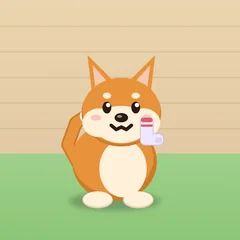
Help Mochi the dog snatch sausages, cake and ham and bury socks, shoes and phones in the garden – without the human noticing.
In development – coming to the App Store and Google Play
How it works
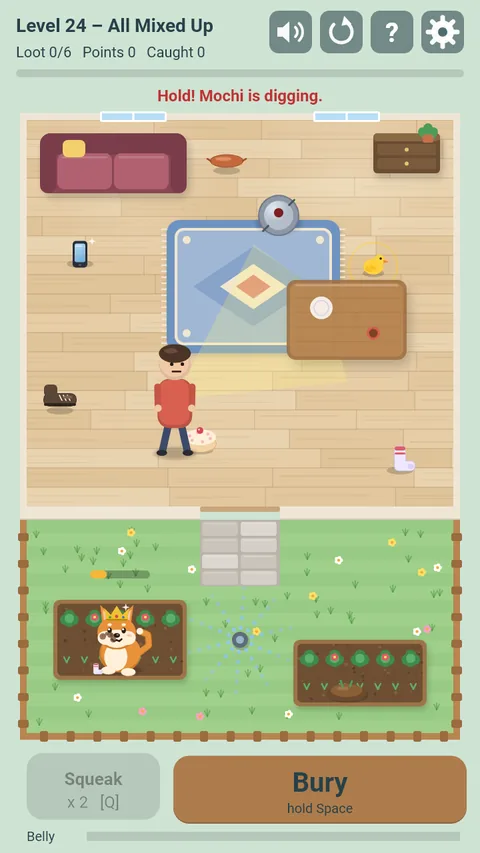
- Put a finger on the field and drag: Mochi runs in that direction as long as you hold. A short tap sends him to that spot.
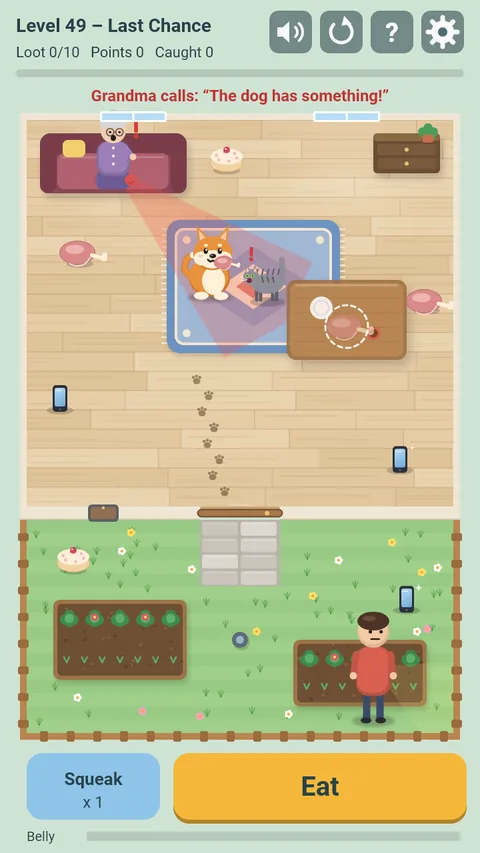
- Treats get eaten, things get buried in the garden: hold the big “Eat” or “Bury” button. Letting go pauses.
- The human only notices Mochi while he carries loot – in the light cone, in the same room, or when he hears chewing and digging. Under the table Mochi is hidden. If Mochi gets caught, the loot goes back to its place.
- Squeaky toys distract the human; robot vacuums and sprinklers get in the way.
- 50 levels, every fifth one a boss level. From level 31 on, new obstacles: a hissing cat, wet paws, creaky floorboards, grandma on the sofa, a mopping robot, the garden door and a robot mower.
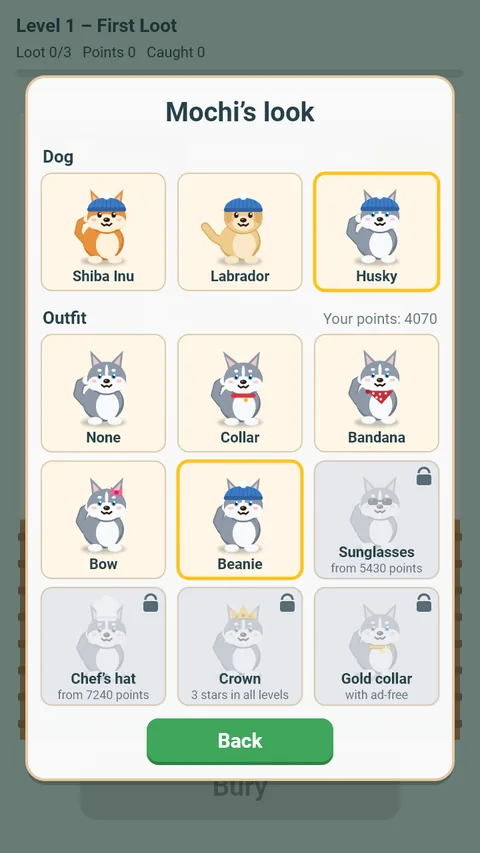
- Points unlock outfits. Level 30 brings the Labrador.
- With sound and vibration. No account, no sign-in, playable offline.
- In English and German.
Support
Questions, problems or ideas? Email us at support@comitis.de. If possible, please include your device, operating system version and app version (shown at the bottom of the app’s settings).
FAQ
- When will I see ads?
- Rarely: after every fifth completed level with fewer than three stars, there is a short ad break at the end of the level. There are no ads during play.
- How do I get other outfits and dogs?
- In the pause menu under “Dog & outfit”. Outfits unlock with your best points across all levels, the crown with three stars in every level. You unlock the Labrador by beating level 30 yourself. The Husky is a separate purchase or comes with “Go ad-free”, the gold collar with “Go ad-free”.
- I’m stuck on a level.
- In the pause menu (gear) you can skip the level by watching a short video. It is marked orange in the level select until you complete it yourself. “How to play” shows the explanation again at any time.
- How do I turn off the sound?
- Tap the speaker icon at the top or turn off “Sound” under gear → Settings. Music from other apps keeps playing.
- Can I play without ads?
- Yes. The one-time purchase “Go ad-free – support the developer” (gear → Settings) removes the ad breaks and supports further development. You also get the Husky and the gold collar. Voluntary videos remain available.
- I switched devices – where are my purchases?
- In the game, open the gear → Settings → “Restore purchases”. You need to be signed in with the same Apple or Google account you used to buy “Go ad-free” or the Husky.
- Is my progress transferred?
- No. Your progress is stored only on your device. It is deleted when you uninstall the app.
- How do I change my consent to ads?
- Gear → Settings → “Privacy settings”. You can change or withdraw your choice there at any time.
- How do I change the language?
- The app uses your device’s language. Under gear → Settings → “Language” you can also set German or English permanently.
- How do I delete my data?
- Gear → Settings → “Reset progress” (tap twice) deletes your progress and statistics. Uninstalling the app removes all locally stored data. We do not store any data about you ourselves.
Privacy
Beutezug works without an account and without a server of our own. For details, in particular on in-app purchases and ads, see the privacy policy.